Menu

Availability: Low stock: 9 left
Couldn't load pickup availability


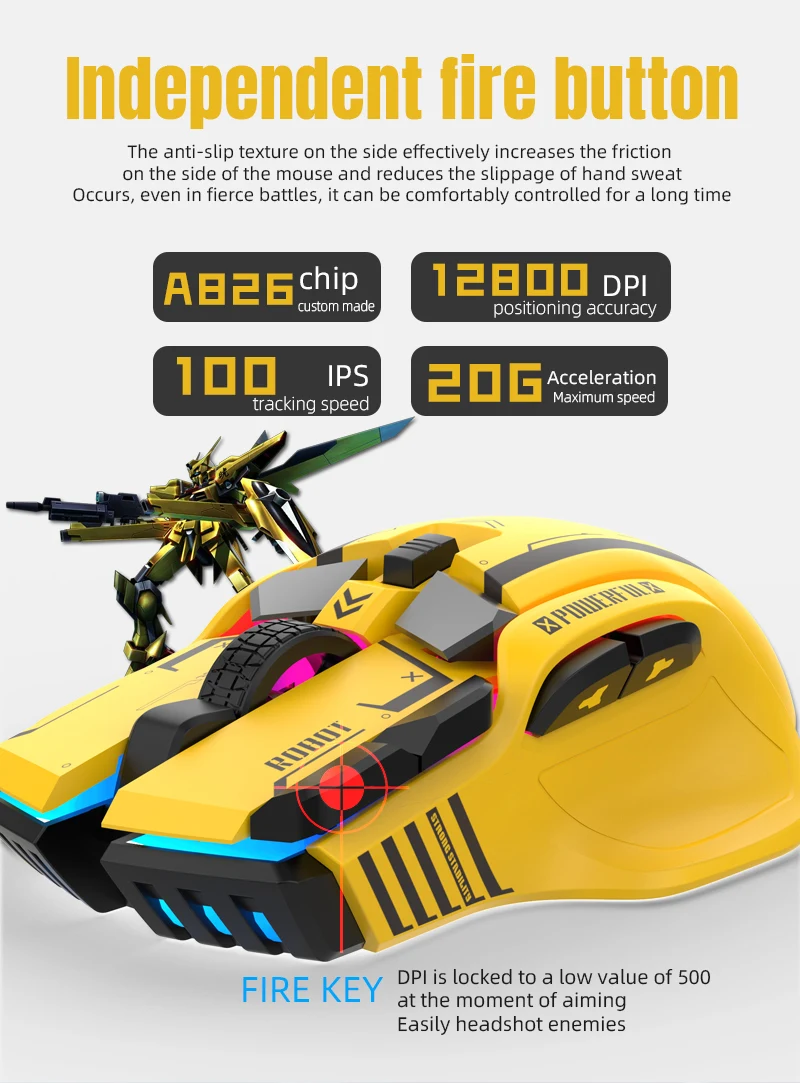
Acceleration: 20 G
Battery Included: No
Brand Name: HXSJ
Certification: CE,FCC,RoHS,KC
Choice: yes
DPI: 12000
Gross Weight: 140
Hand Orientation: Right
High-concerned chemical: None
Interface Type: USB
Movement speed, IPS: 60
Number of Buttons: 12
Number of Rollers: 1 pcs
Operation Mode: Opto-electronic
Origin: Mainland China
Package: Yes
Style: Backlight
Type: Wired
SPECIFICATIONS:
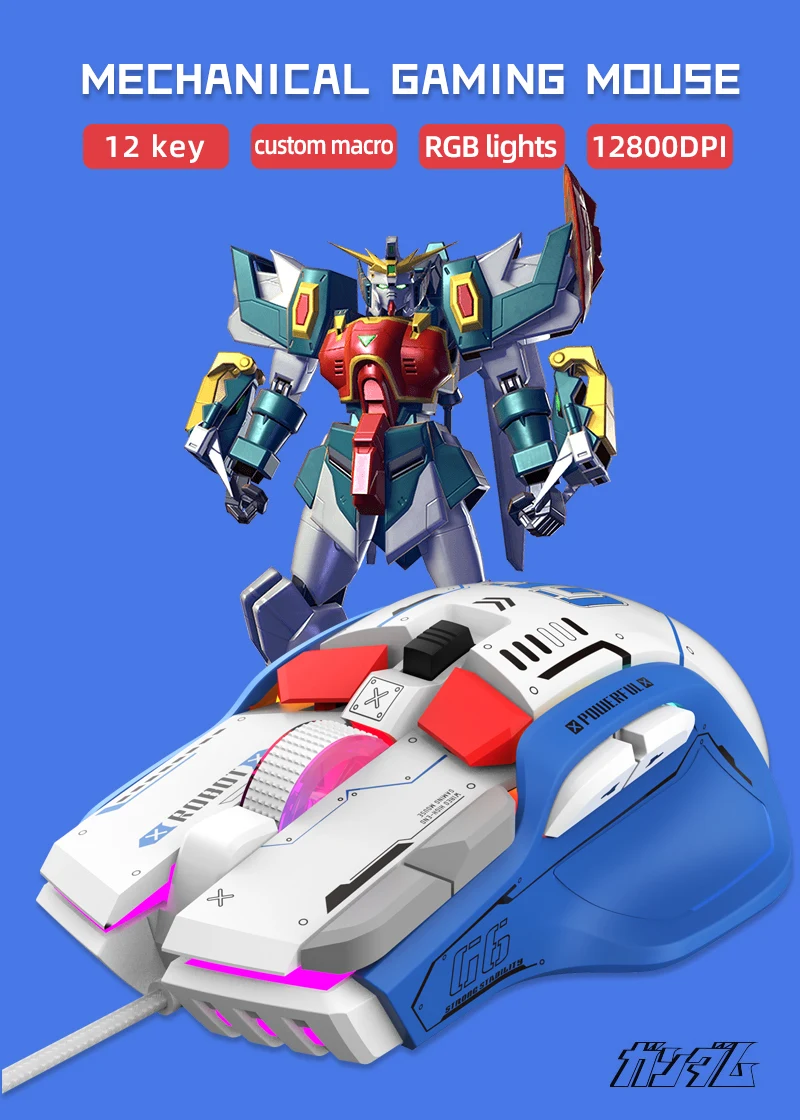
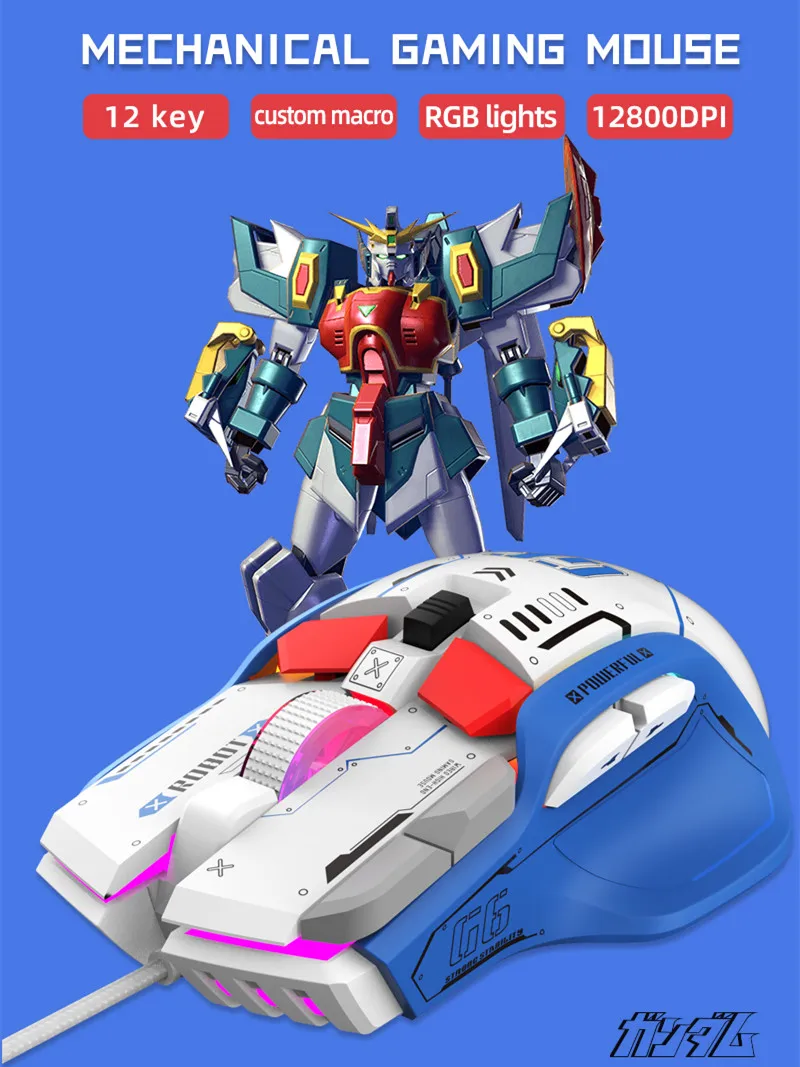
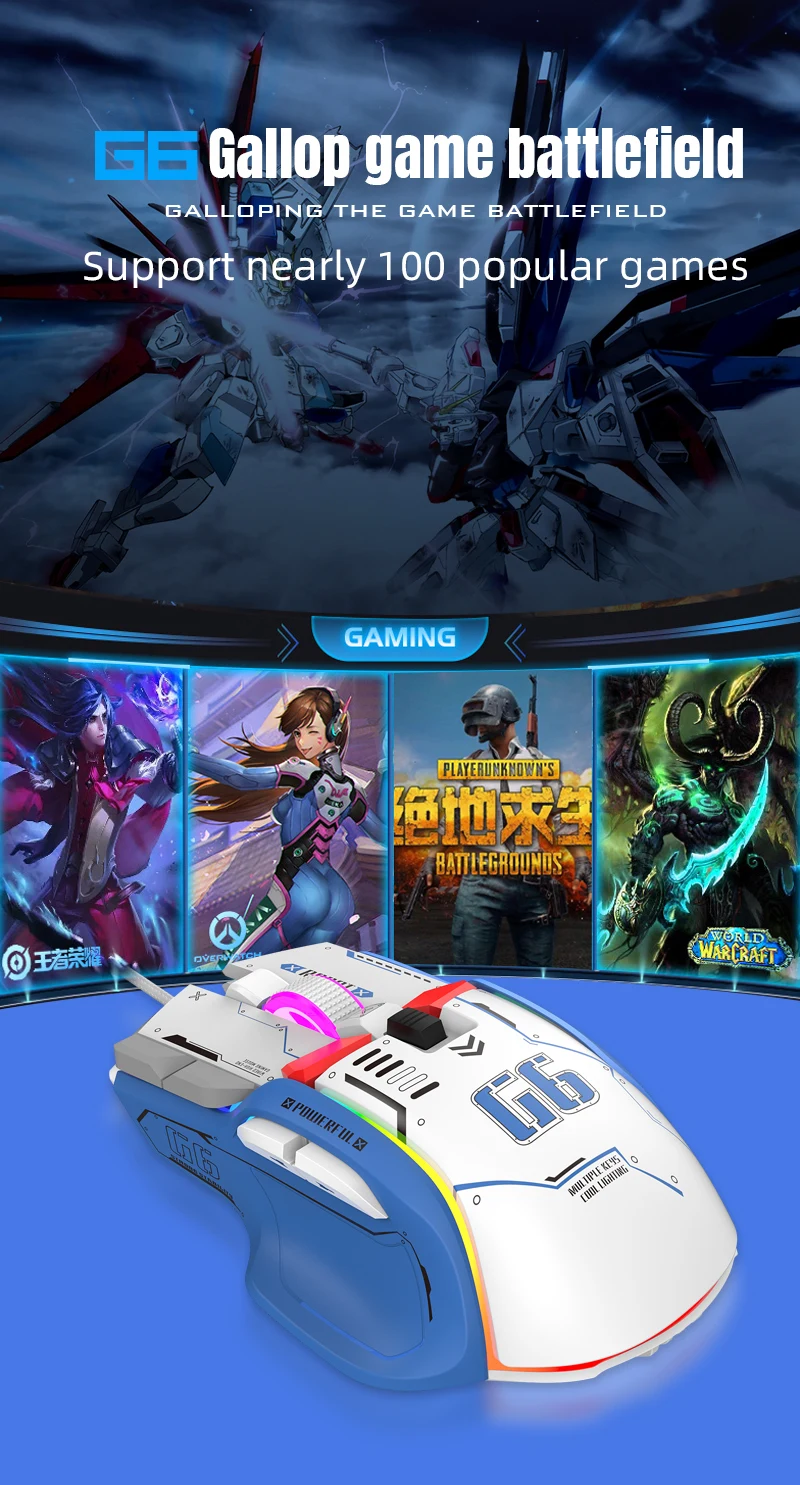
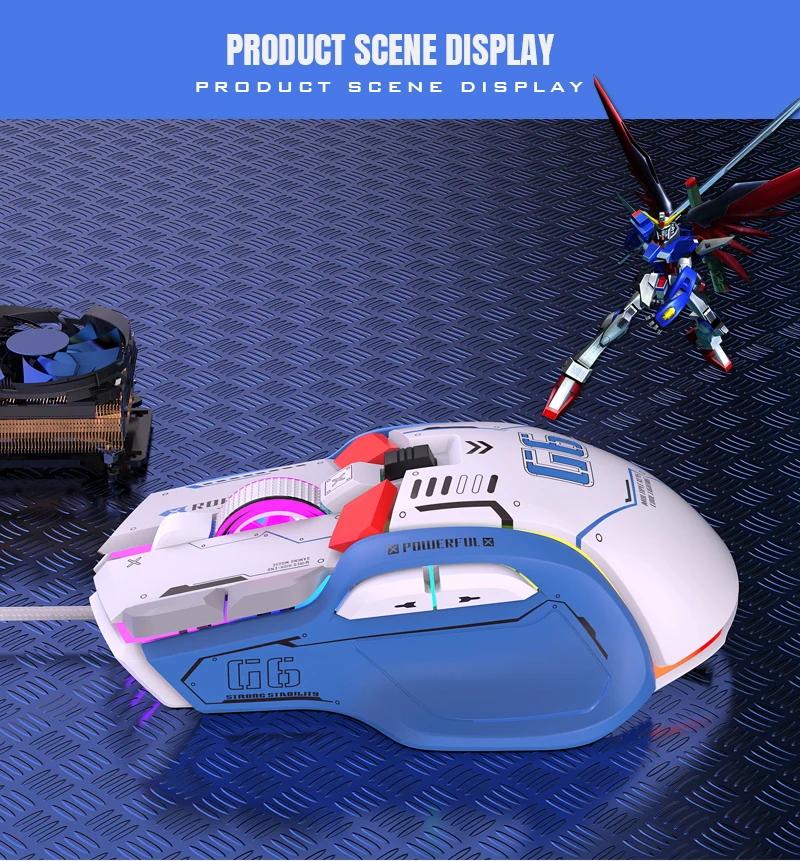
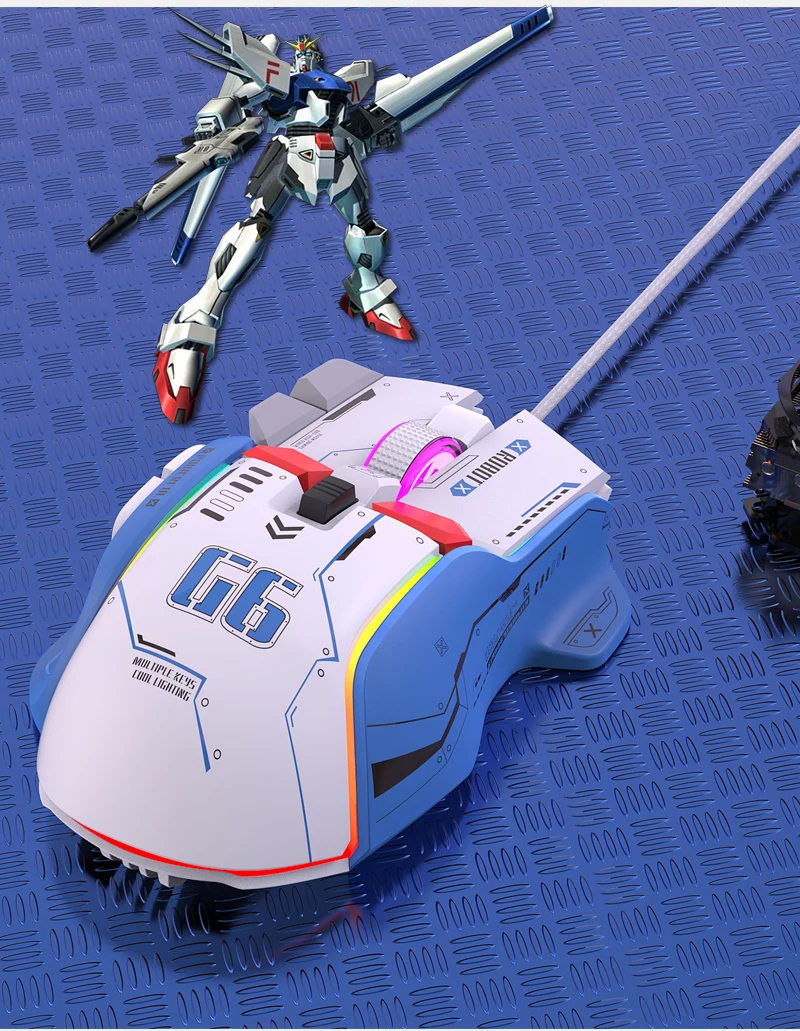
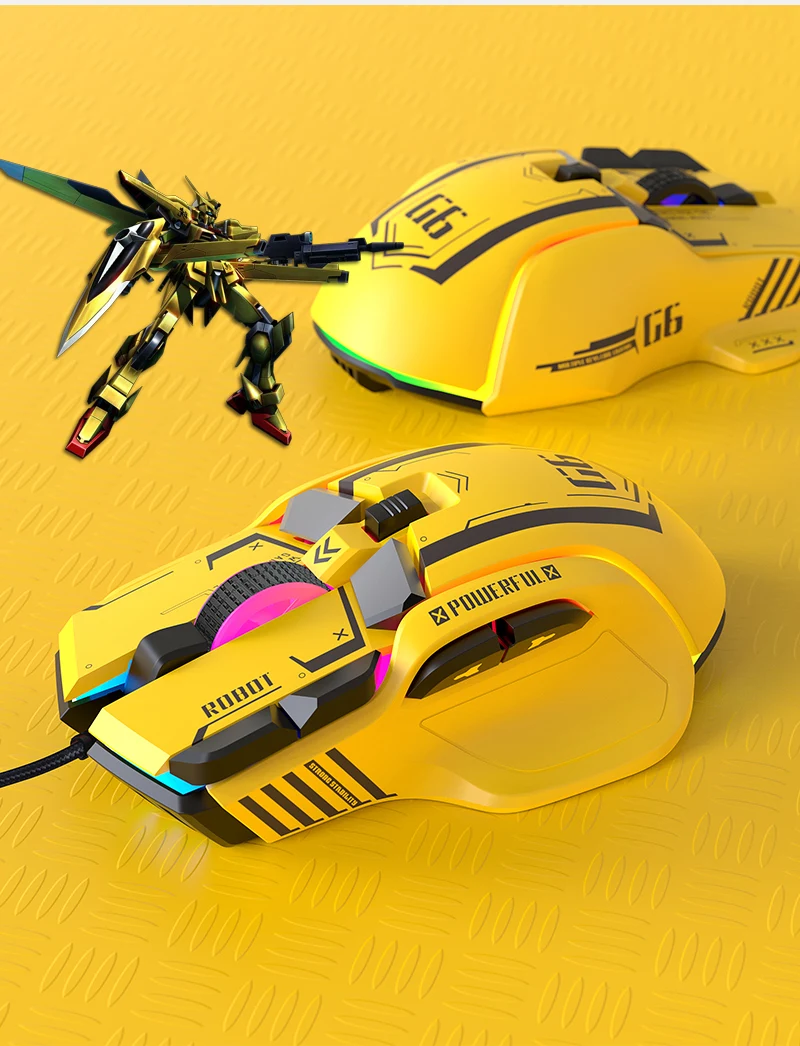
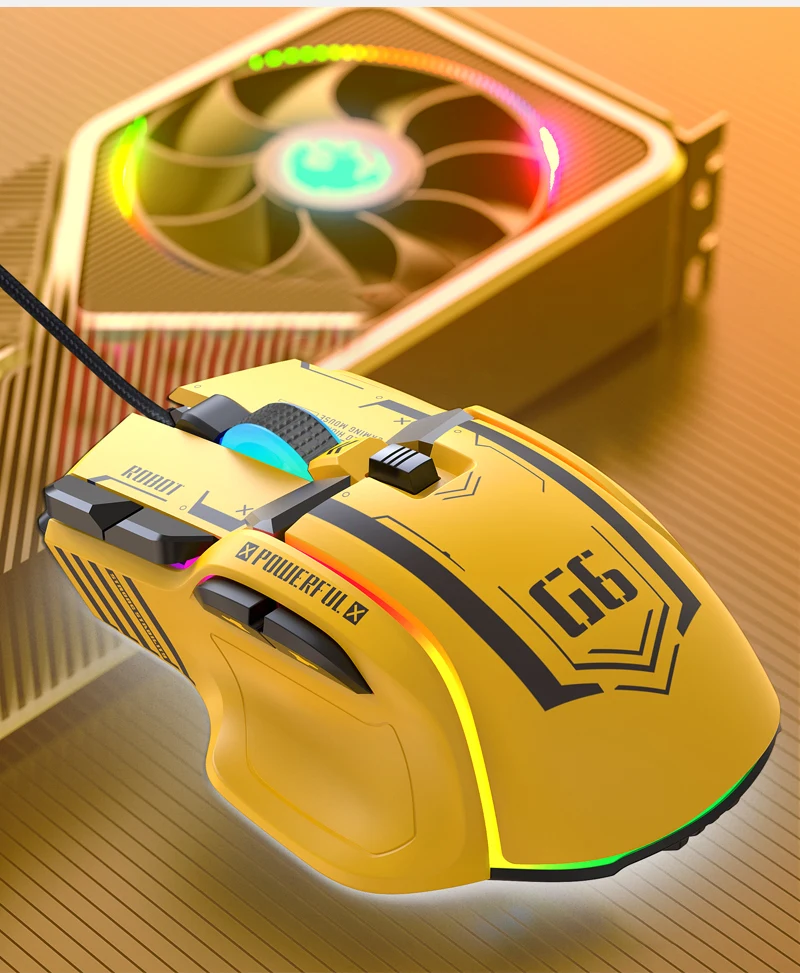
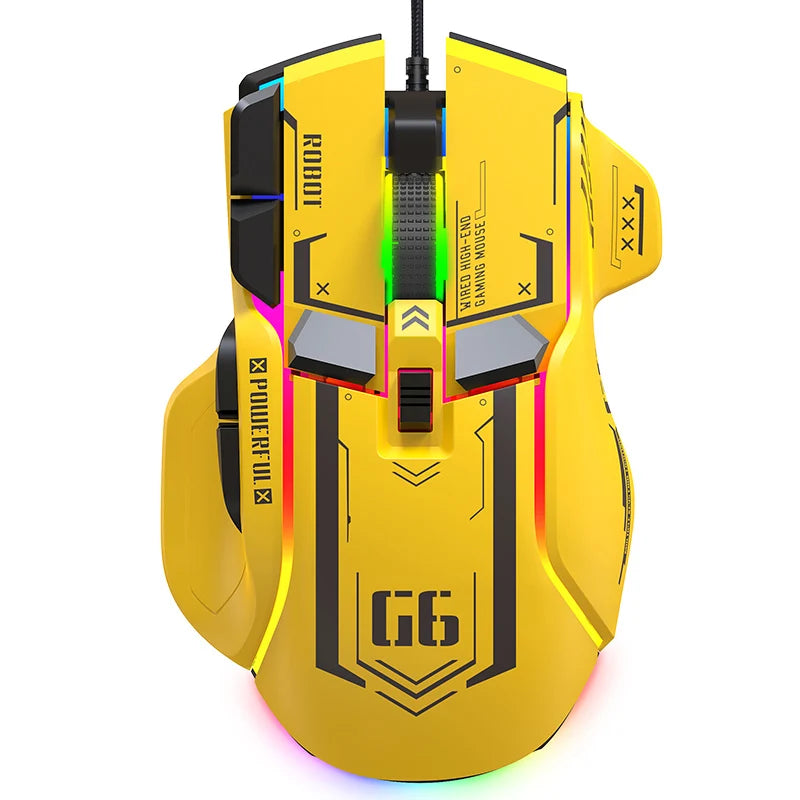
1. Product model: G6 PROGRAMMABLE GAMING MOUSE.
2. 100% new gaming mouse.
3. High-end branded mechanical macro gaming mouse
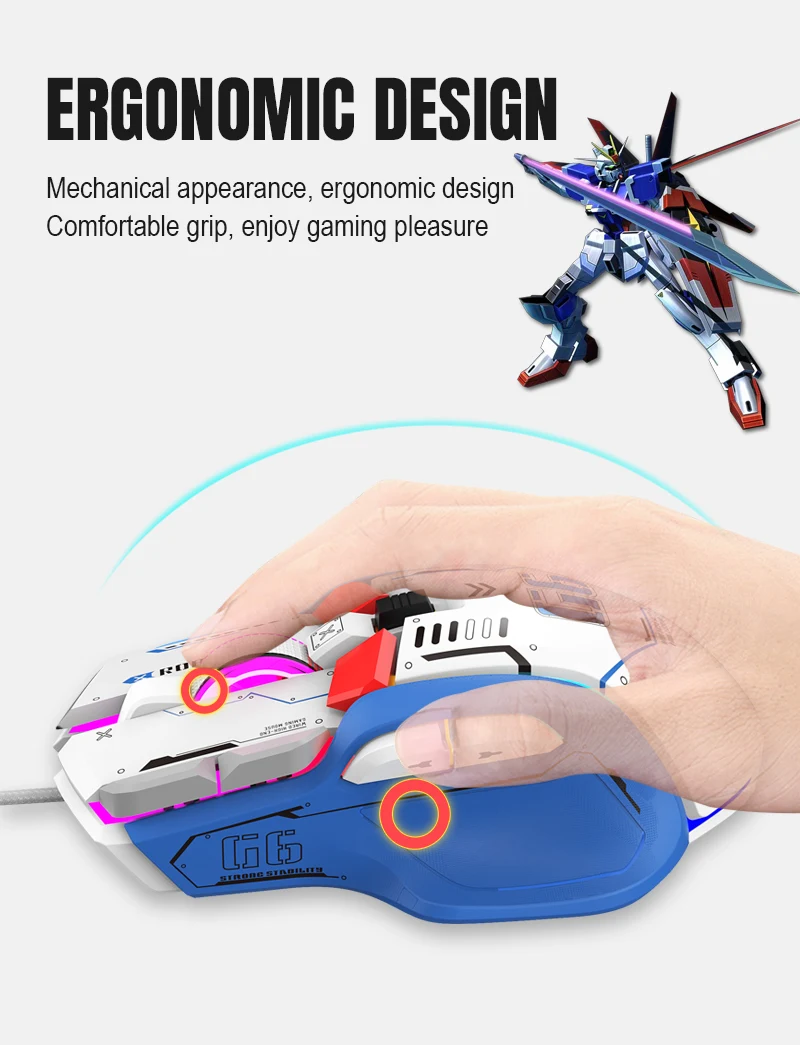
4. Ergonomic design
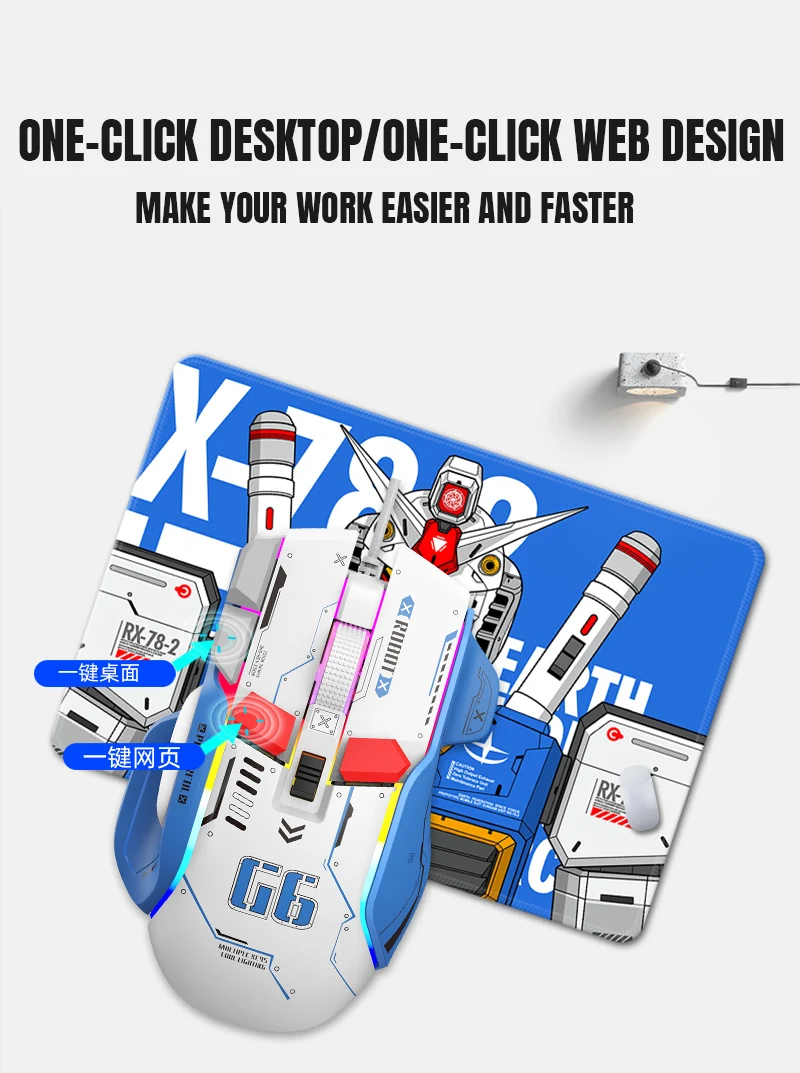
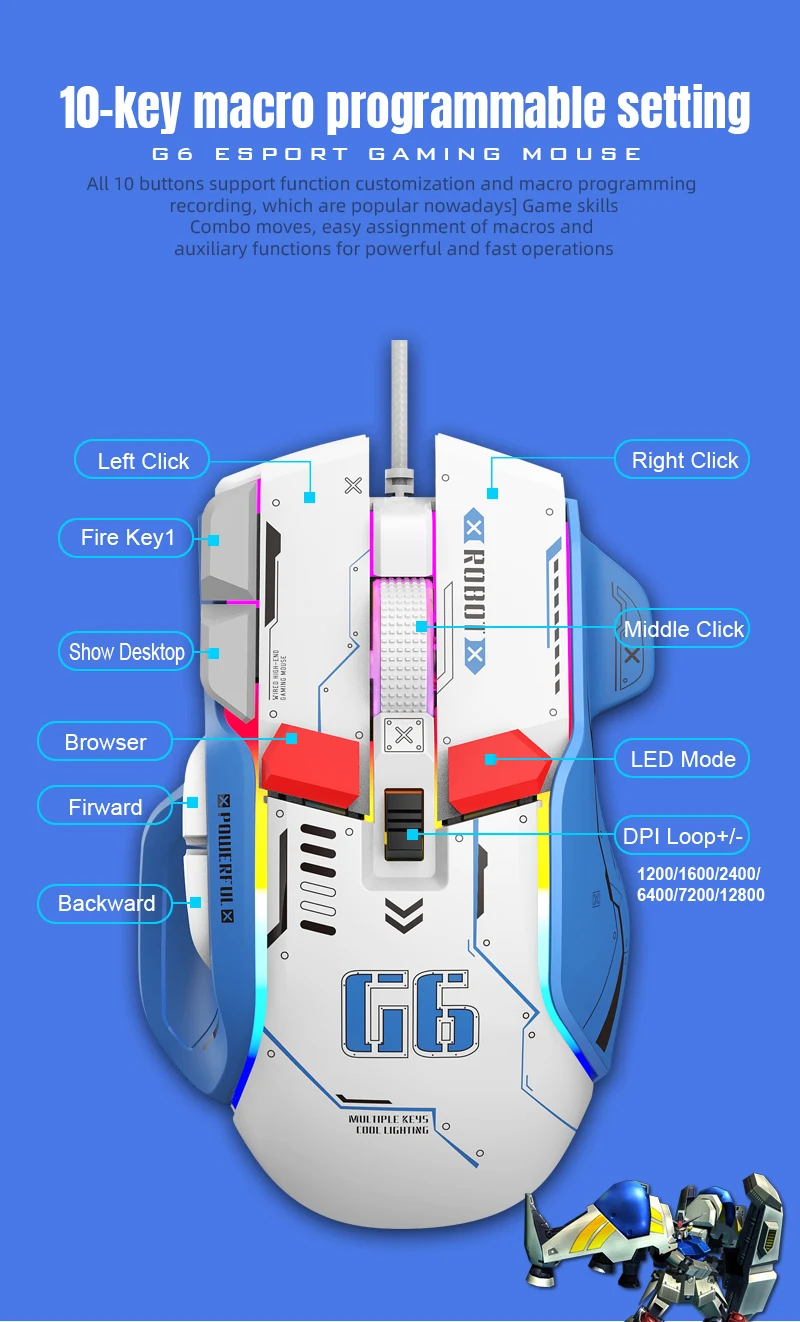
5. 10 programmable keys
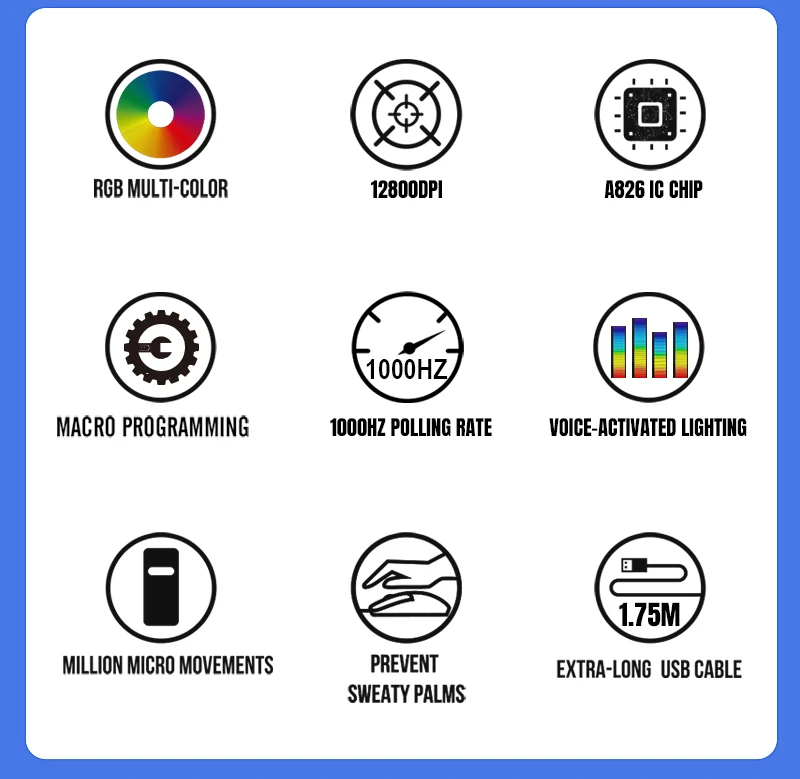
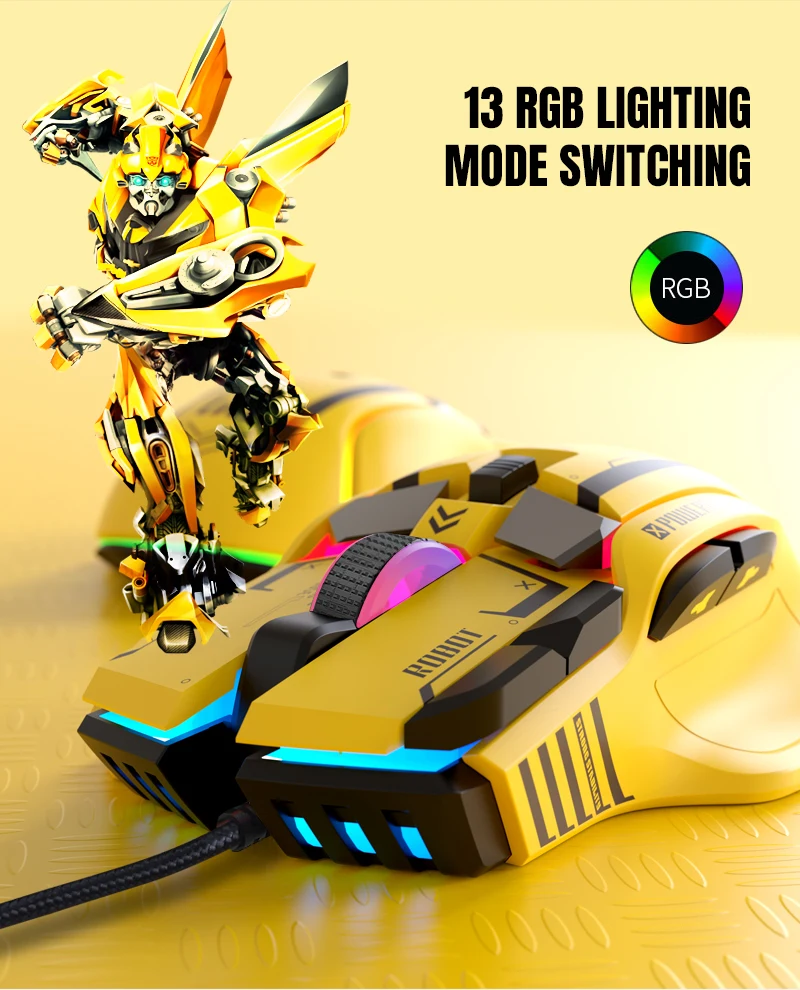
6. Light effect: 13 RGB lighting mode options.
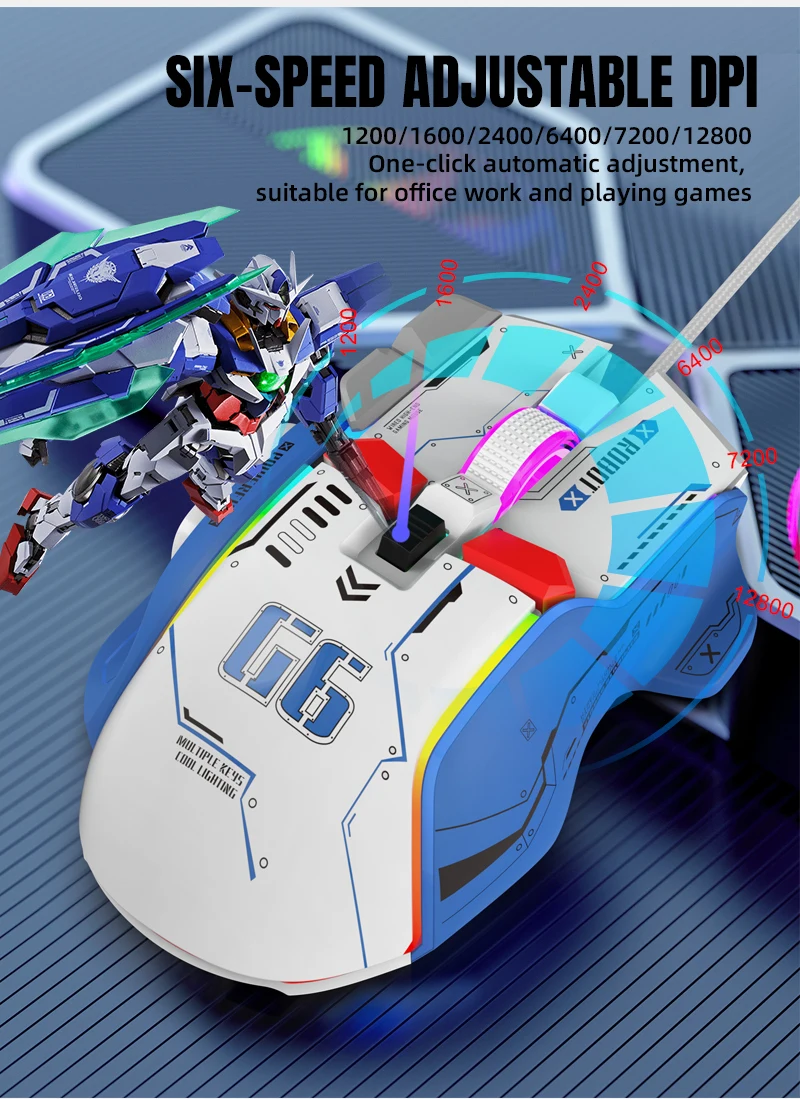
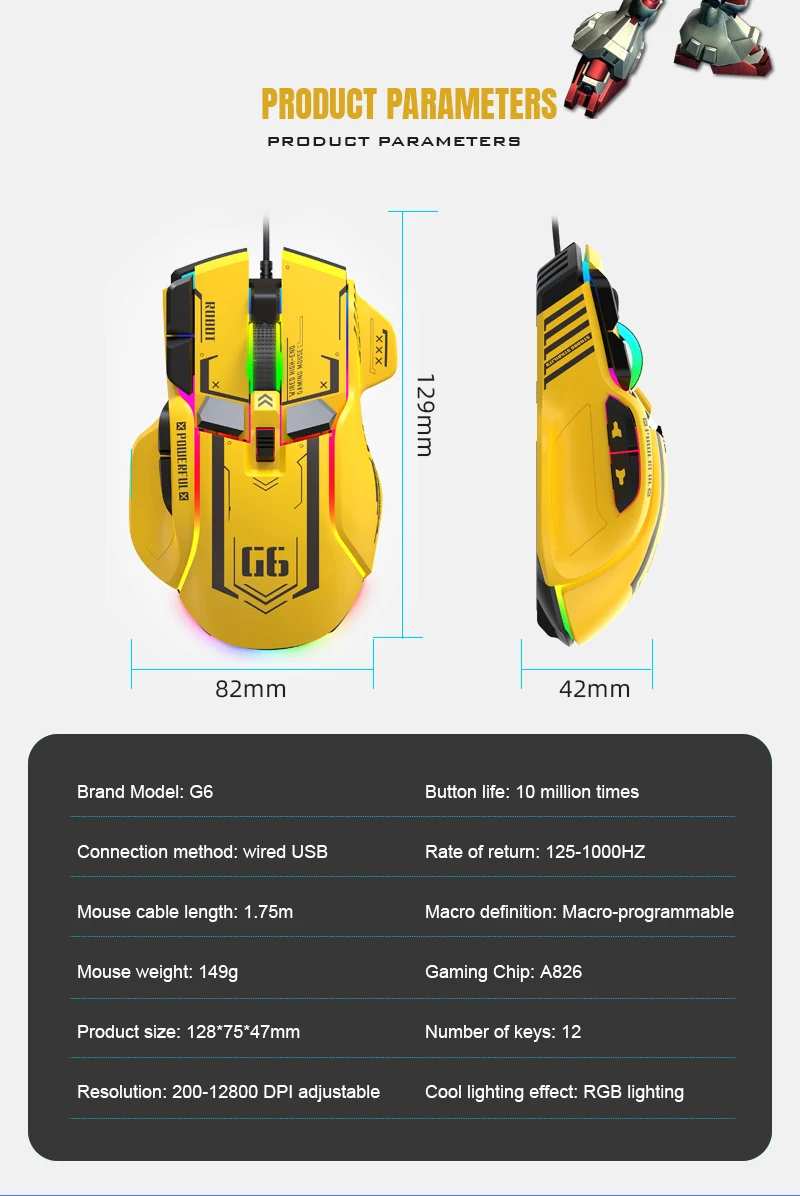
7. 6-level adjustable DPI, Max. 12800 DPI
8. Voltage rating / electric current: DC 5V /180mA
9. Return rate: 125/250/500/1000Hz
10. Moving speed: 60inch/s
11. Refresh rate: 7000FPS
12. Acceleration: 20G
13. USB plug and play
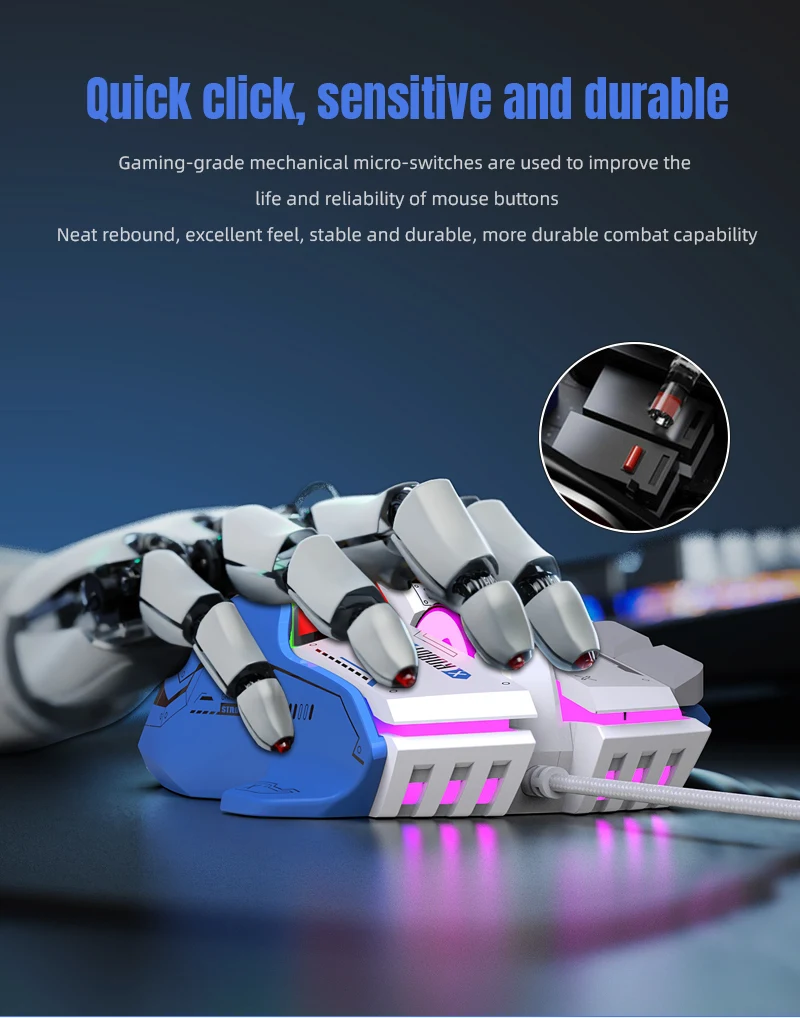
14. Switch life: 20 million cycles
15. Cable length: 1.75m
16. Product size: 129x82x42 mm±2mm (L *W*H)
17. Product weight: 142g
18. Packing size: 16*14.8*5.5CM
19. Package weight: 219g
20. Supports Windows 2000 /XP 1 Win7/Win8 /Win10 Vista
32-bit iOS or later.
Packing list:
1 X gaming mouse
2 X User manual
How to use:
1. Download the macro programming software from the website
provided by the seller.
2. After downloading, open it directly and use the buttons to customize
programming.
3. When the mouse is successfully connected and operating normally,
Open the G6 macro programming software directly to use the
macro programming function.
4. Adopts the A826 IC professional gaming chip, using a high-performance
program control decoder chip for smooth movement and precise control.
5. Button settings: for buttons 1–10 (as shown), the driver supports
custom settings.
6. DPI setting: default 1200/1600/2400/6400/7200/12800
The six-segment DPI value can be set to any range.
7. Light mode: 13 RGB lighting mode options.
8. Mouse parameters: you can set pointer precision, wheel speed
and double-click speed.
9. Custom Settings: custom macro editing that supports game
effects.
10. When the settings are complete, click Applications, then click
Save Configuration. You should restart the driver the next time.
Use it to access all customization features.
Driver link:
https://drive.google.com/file/d/1wFMfwQtm6_qXkeUsRS-bMmPV_JDW4l-e/view?usp=sharing